
Download Flutteryx.
15 days free, fully unlocked. No credit card.
Six steps, about two minutes.
Download the installer
Using the button above. Windows 10 or 11, 64-bit. The file is Flutteryx-Setup.exe.
Open the downloaded file
If you see "Windows protected your PC" (SmartScreen), click More info and then Run anyway. This happens with new programs that don't have a digital signature yet. About these warnings.
Install
The installer doesn't ask for an administrator password and adds a shortcut to the Start menu.
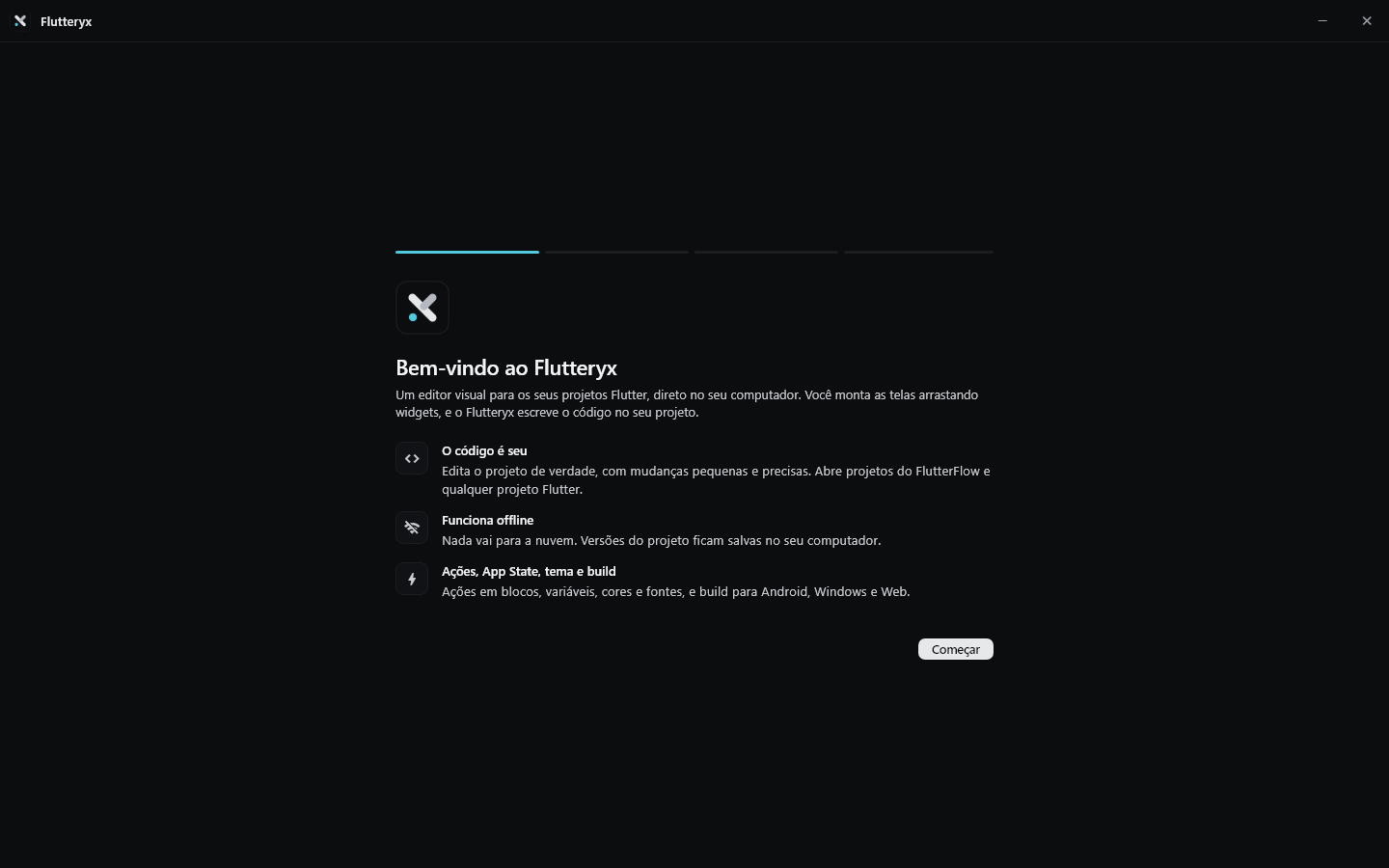
First launch
The welcome screen explains what Flutteryx is, looks for your Flutter installation and asks for your projects folder.
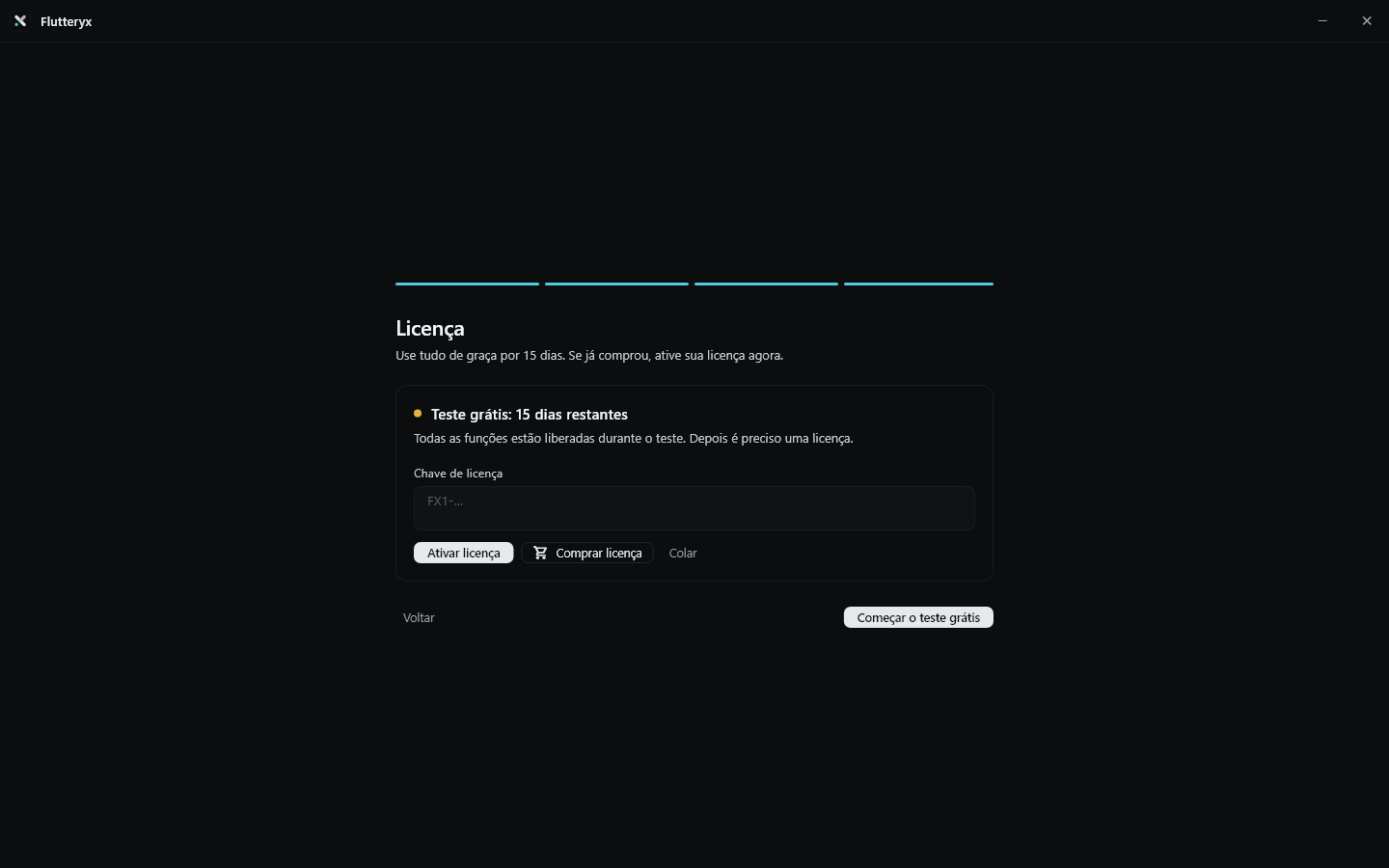
Start the trial or activate your license
15 days with everything unlocked. If you've already bought it, paste your key and activate.
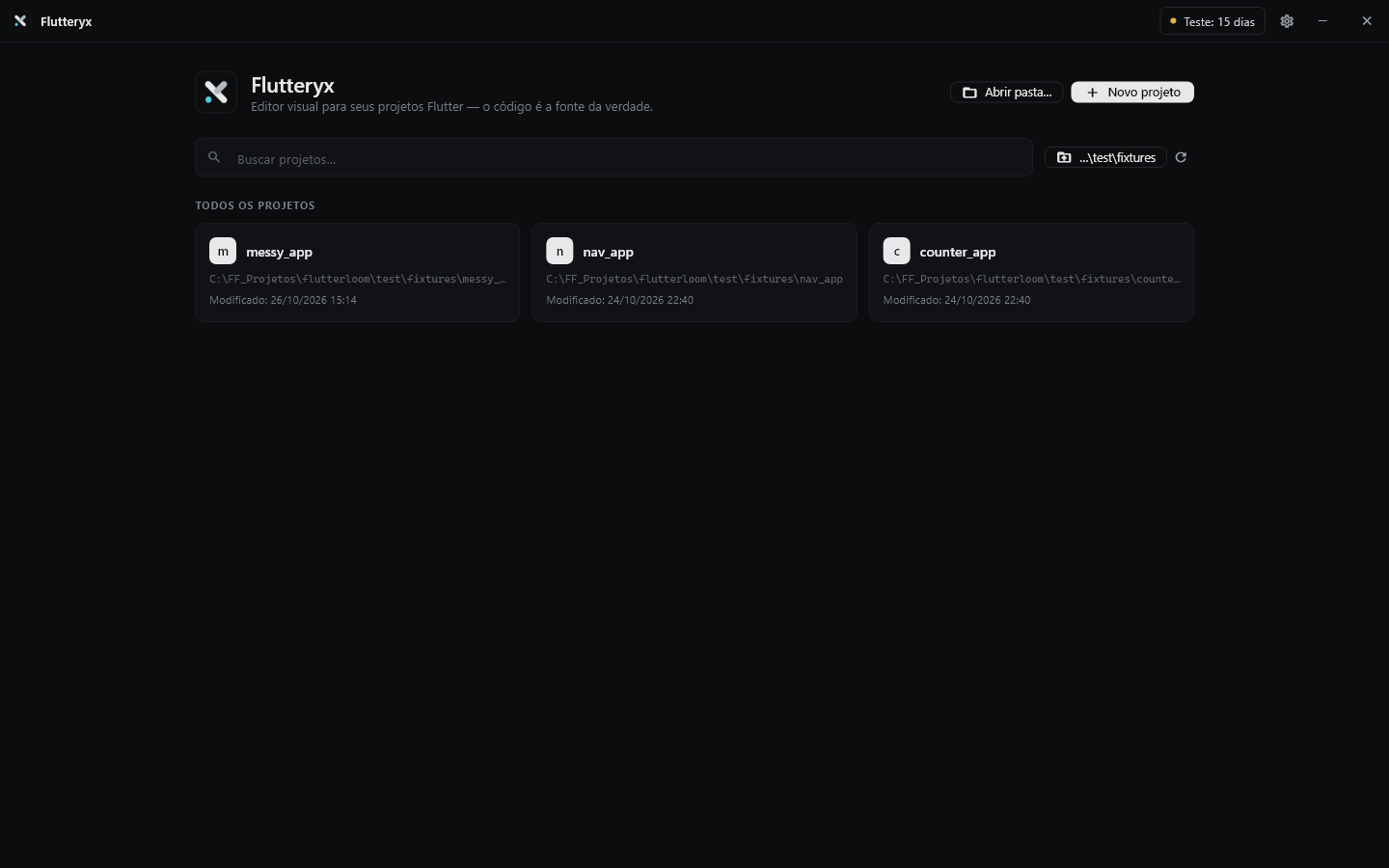
Open a project
From the home screen, or create a new one.
Why does Windows show a warning?
Flutteryx is a new program and doesn't have a paid digital signature yet. Windows and browsers are wary of any file like that until it becomes well known. The warning does not mean there is a virus. Always download from this site: the file comes straight from our server.
In the browser
You may see "isn't commonly downloaded" or "could be dangerous".
In Windows (SmartScreen)
When opening the installer: More info › Run anyway. Only the first time.
In your antivirus
If your antivirus blocks or quarantines the file, restore it and add an exception for Flutteryx. When in doubt, contact support.
Still unsure? Write to antonymichelsluiz@gmail.com.